Does Grok Generate Images? Grok Image Generation & Editing Capabilities in 2026
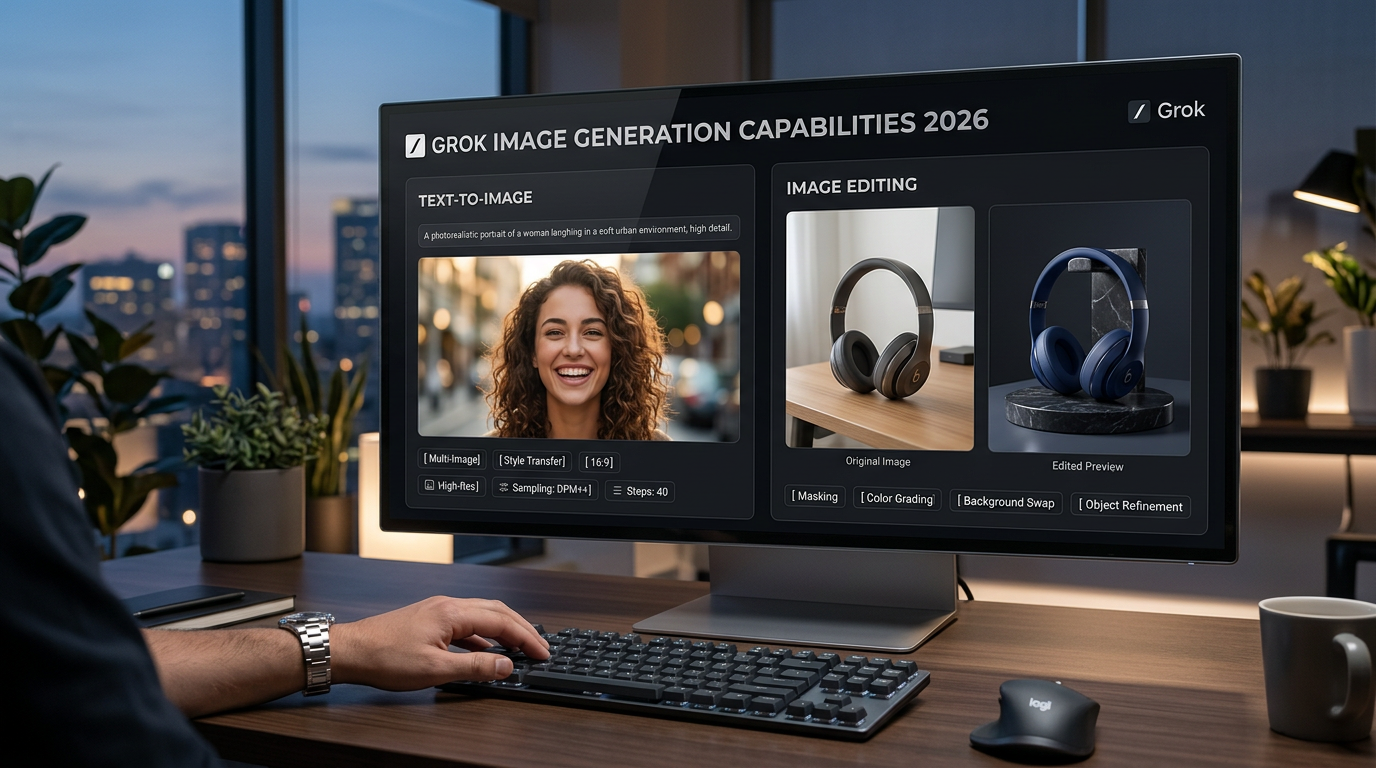
A March 2026 guide to Grok Imagine image generation and editing: text-to-image, multi-image editing, style transfer, current features, limits, and prompt examples.
Comprehensive guides and tutorials on AI image and video generation. Learn best practices, tips, and advanced techniques.

A March 2026 guide to Grok Imagine image generation and editing: text-to-image, multi-image editing, style transfer, current features, limits, and prompt examples.

LTX-2.3 is Lightricks’ latest open-source video model with sharper details, cleaner native audio, portrait 9:16, 24/48 FPS options, and last-frame interpolation. This March 2026 guide explains what’s new and includes 2 prompt examples.

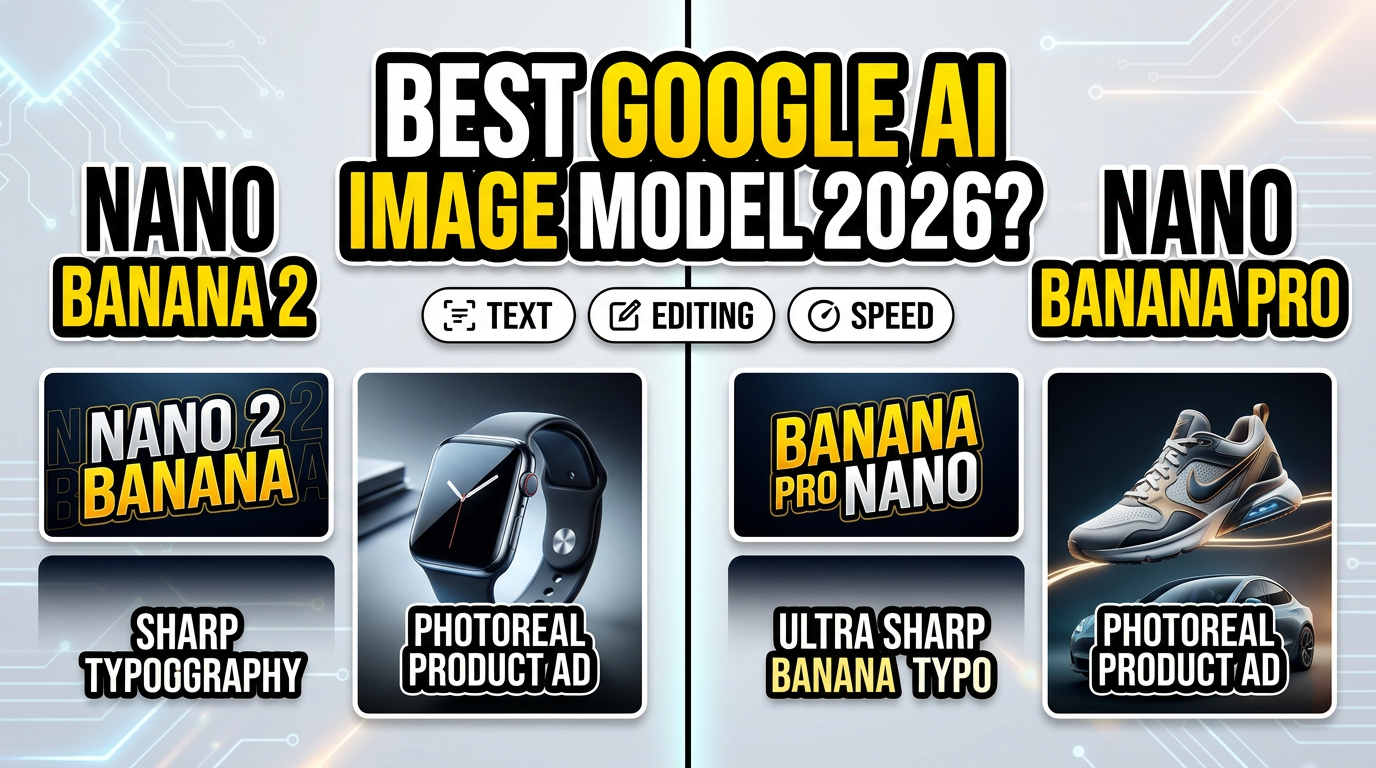
A March 2026 comparison of Google’s Nano Banana 2 (Gemini Flash Image) vs Nano Banana Pro (Gemini Pro Image). Learn the real differences—speed, quality, text rendering, multi-reference editing—and use advanced benchmark prompts with side-by-side image results.

Nano Banana 2 is Google’s newest Gemini-based image model built for fast, high-quality image creation and powerful image editing with multi-reference understanding. Learn what’s new, what it’s best at, and try ready-to-run prompts on GenAIntel

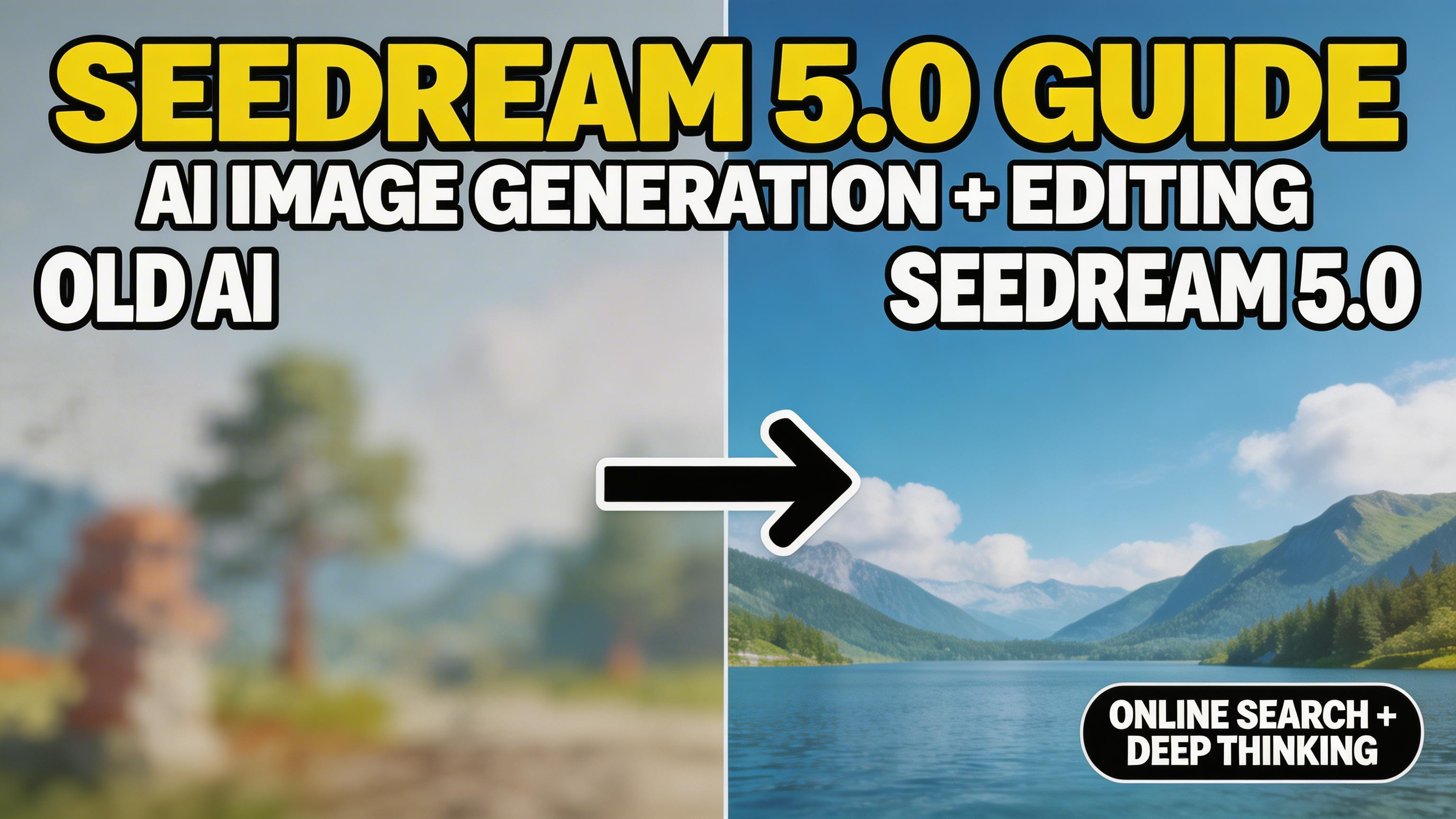
Seedream 5.0 is ByteDance’s newest image model focused on deep thinking, online search, and precise control. Learn what’s new, how it works, and how to use Seedream 5.0 on GenAIntel with ready-to-run prompts for image creation and editing.

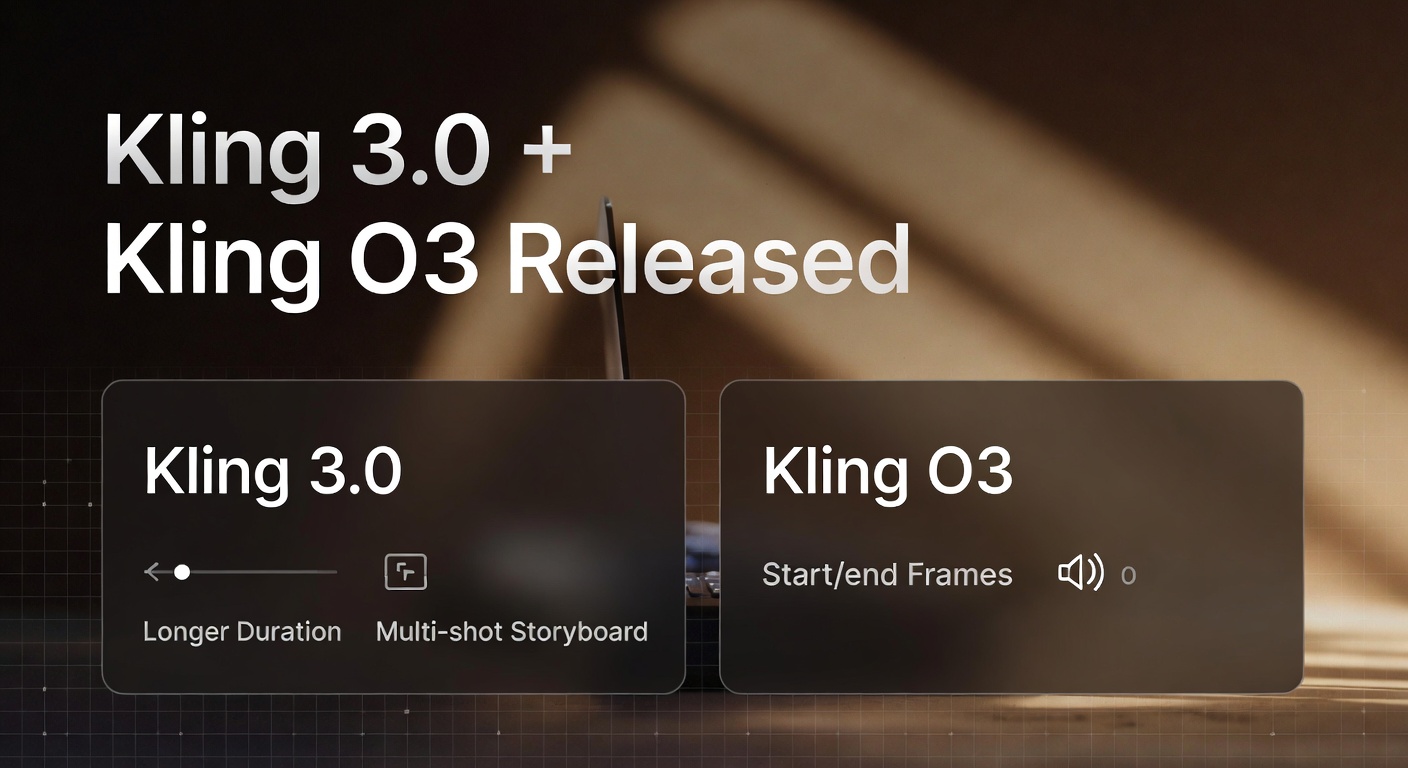
Kling’s newest video generation models—Kling 3.0 and Kling O3—bring longer clips, stronger consistency, storyboarding, and richer control for creators. Here’s what launched, what’s new, and two examples with prompts.

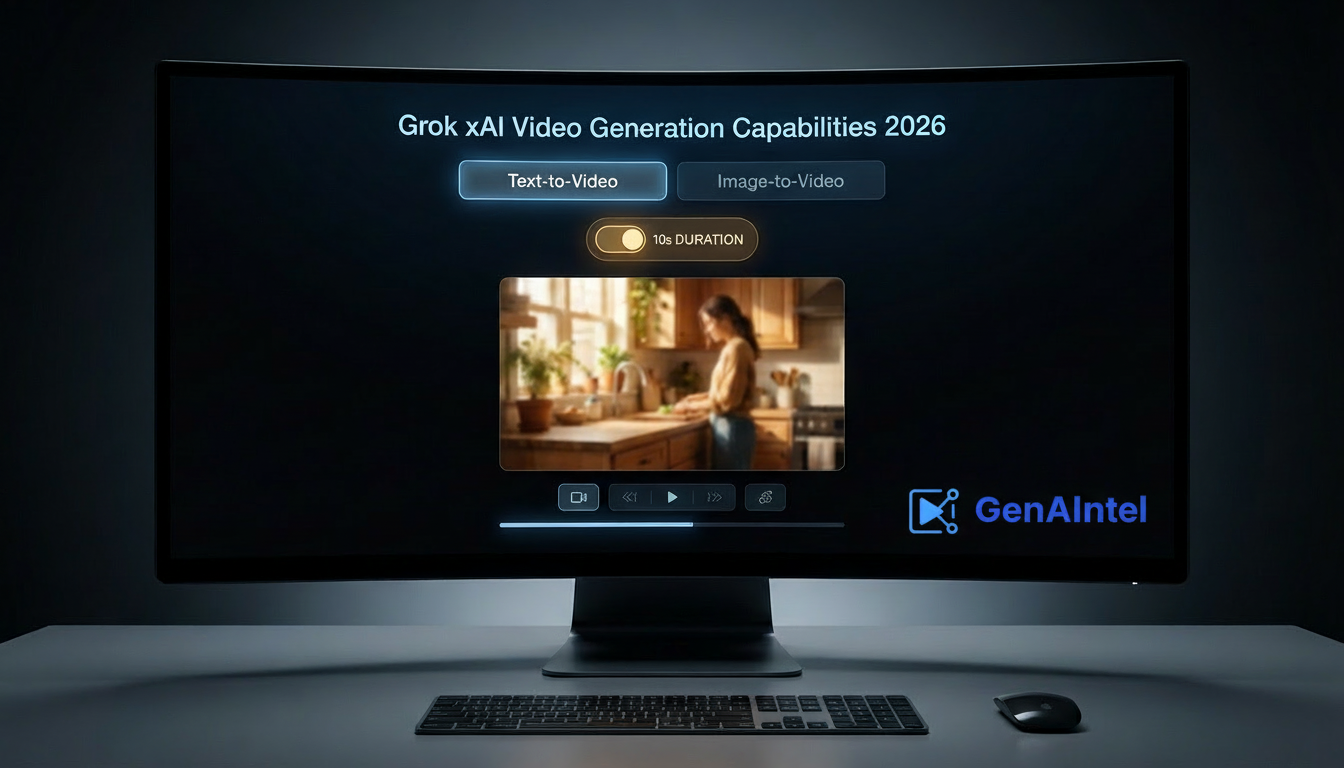
A February 2026 update on xAI Grok Imagine video generation: current feature status, text-to-video and image-to-video capabilities, what’s confirmed in official docs, and prompt examples on GenAIntel. Grok Imagine 1.0 adds 10-second videos, 720p, and better audio.

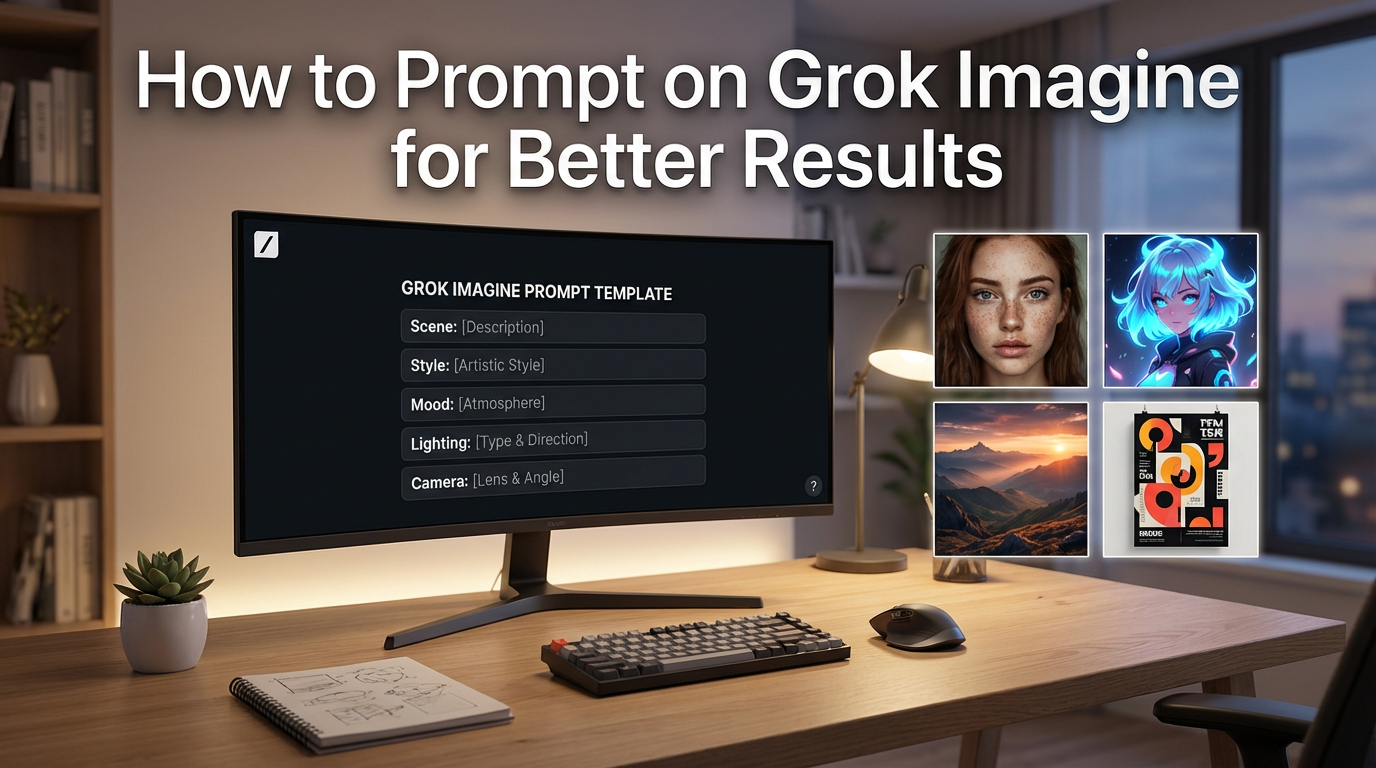
Learn how to prompt Grok Imagine (xAI) for sharper, more cinematic images and videos: director-style prompting, composition control, style keywords, editing prompts, and copy-paste examples for GenAIntel workflows.

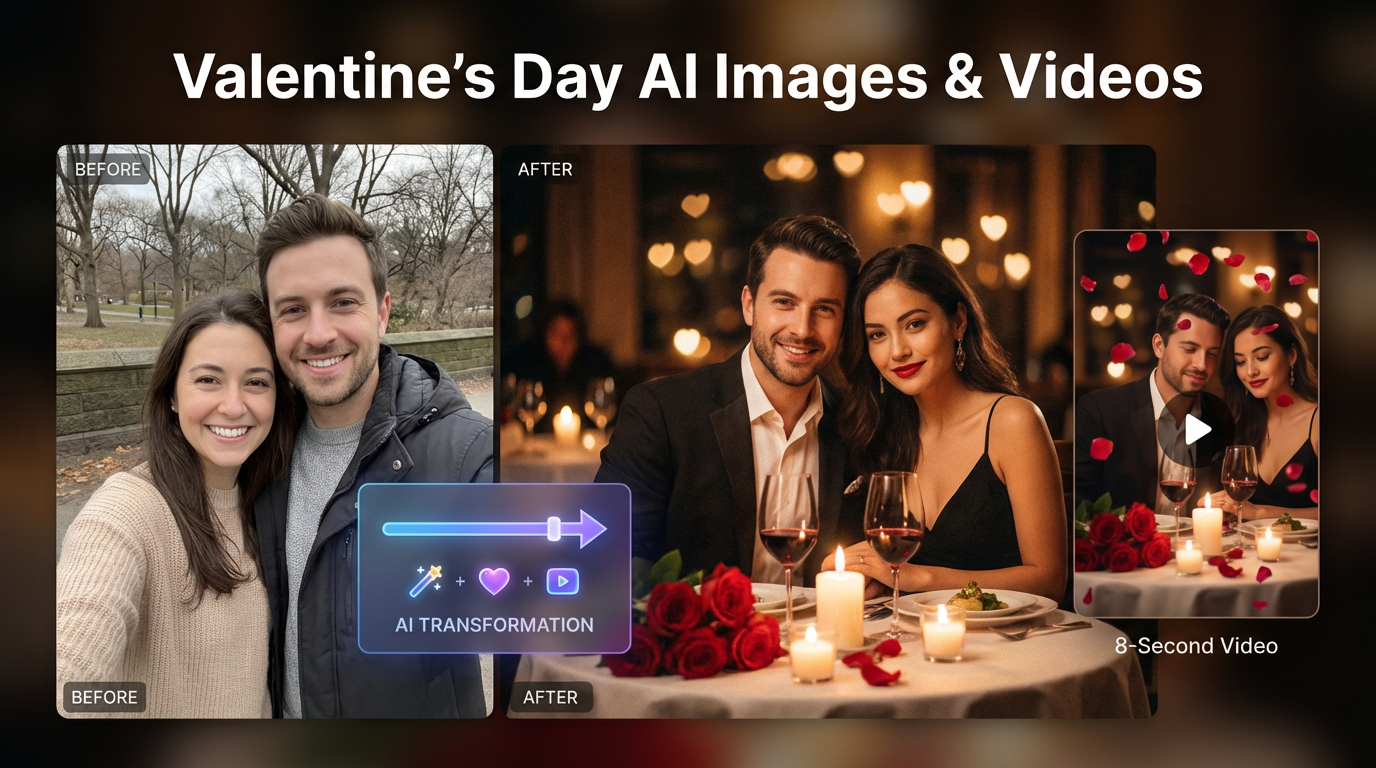
A practical Valentine’s Day guide to create romantic, lovable, and tasteful AI images and AI videos using your couple photos. Includes image-to-image editing + image-to-video prompts, base images, and gift-ready ideas on GenAIntel.

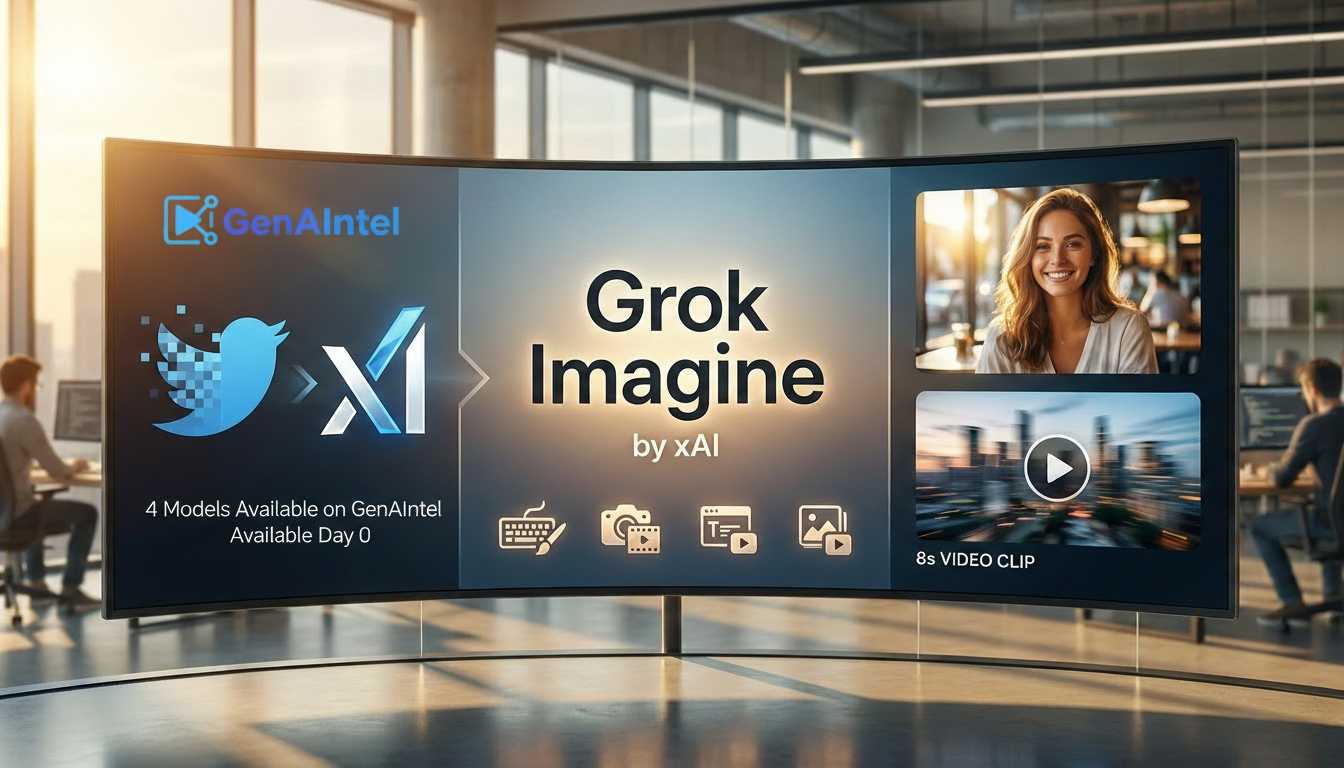
Grok Imagine 1.0 by xAI is now public beyond X (Twitter): 10-second videos, 720p resolution, and dramatically better audio. Learn text-to-image, editing, text-to-video, and image-to-video on GenAIntel—with ready-to-run prompts.

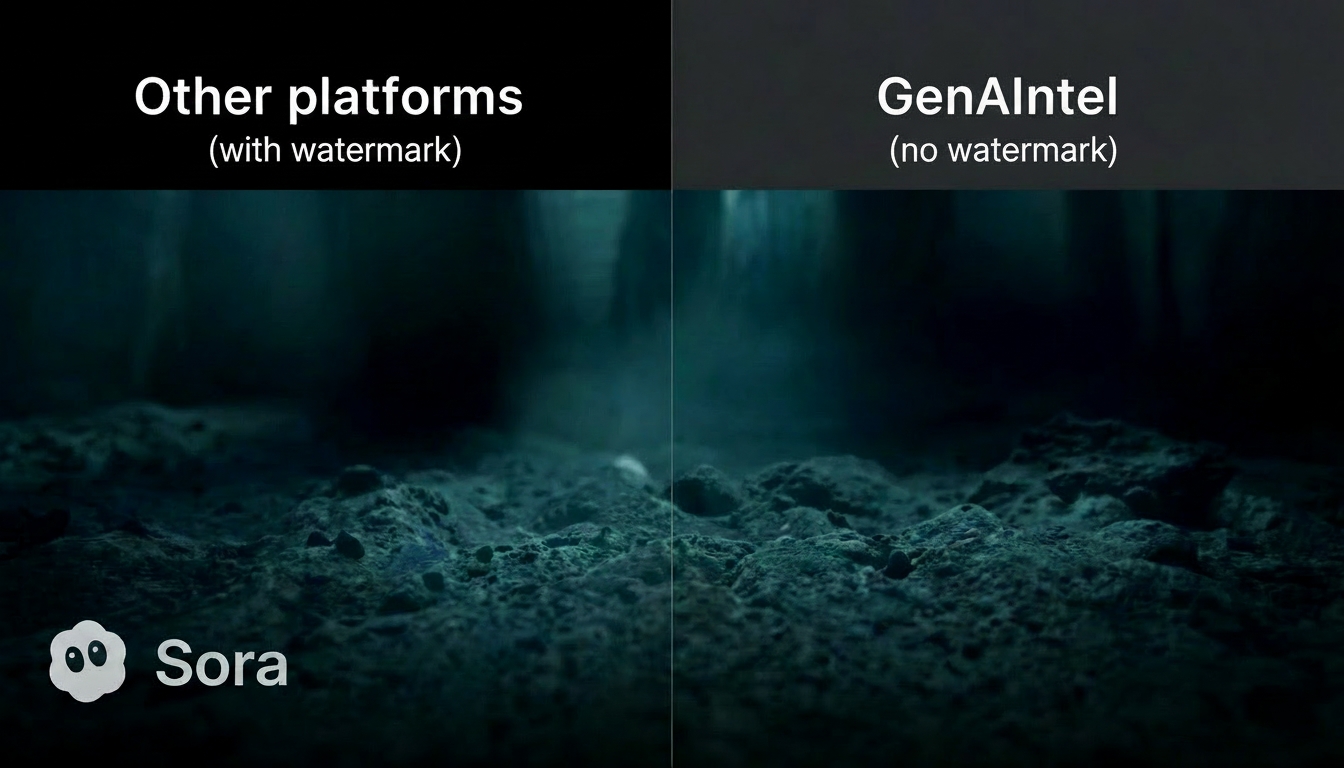
Learn what AI video watermarks are, why Sora 2 includes them, and how to create watermark-free AI videos using GenAIntel’s 100+ video models—while still using Sora 2 for ideation and consistency.

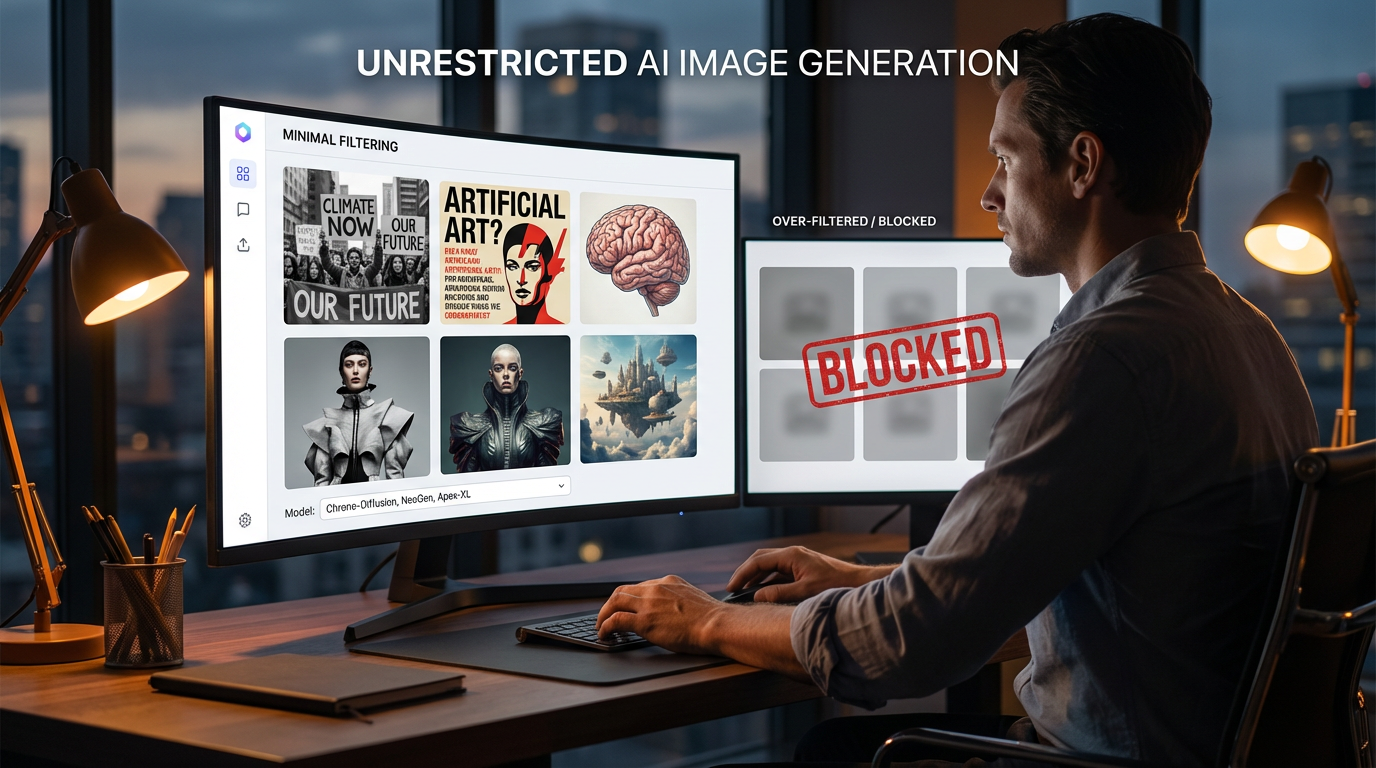
Create images with minimal filtering using selected text-to-image models on GenAIntel that run with safety checking disabled by default. Explore supported models, best practices, and safe prompt examples for unrestricted creative workflows.

Learn LTX-2 — the latest open-source audio-video foundation model from Lightricks. Understand core features, local execution, and how LTX-2 generates synchronized visuals and sound in one coherent process.

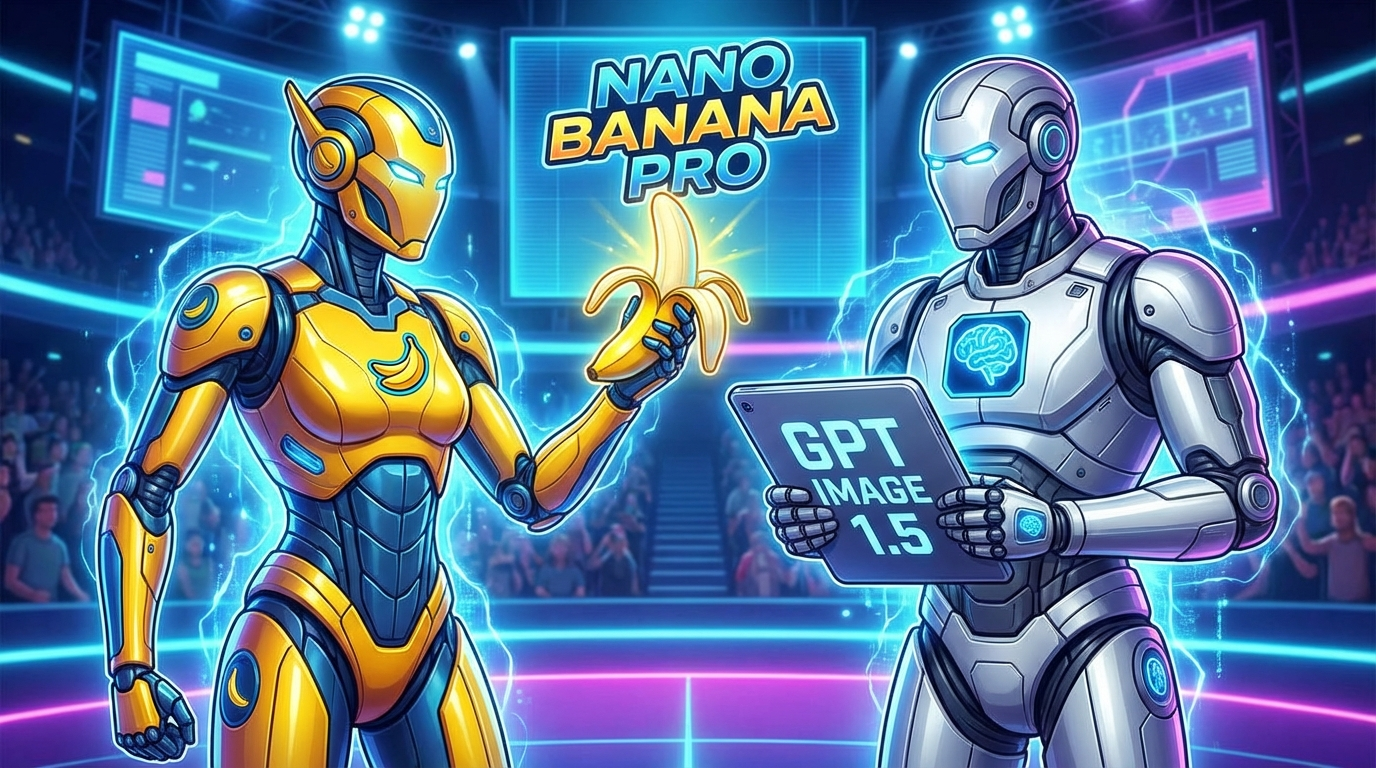
Compare the capabilities, strengths and sample outputs of Nano Banana Pro and GPT Image 1.5 with side-by-side prompt examples.

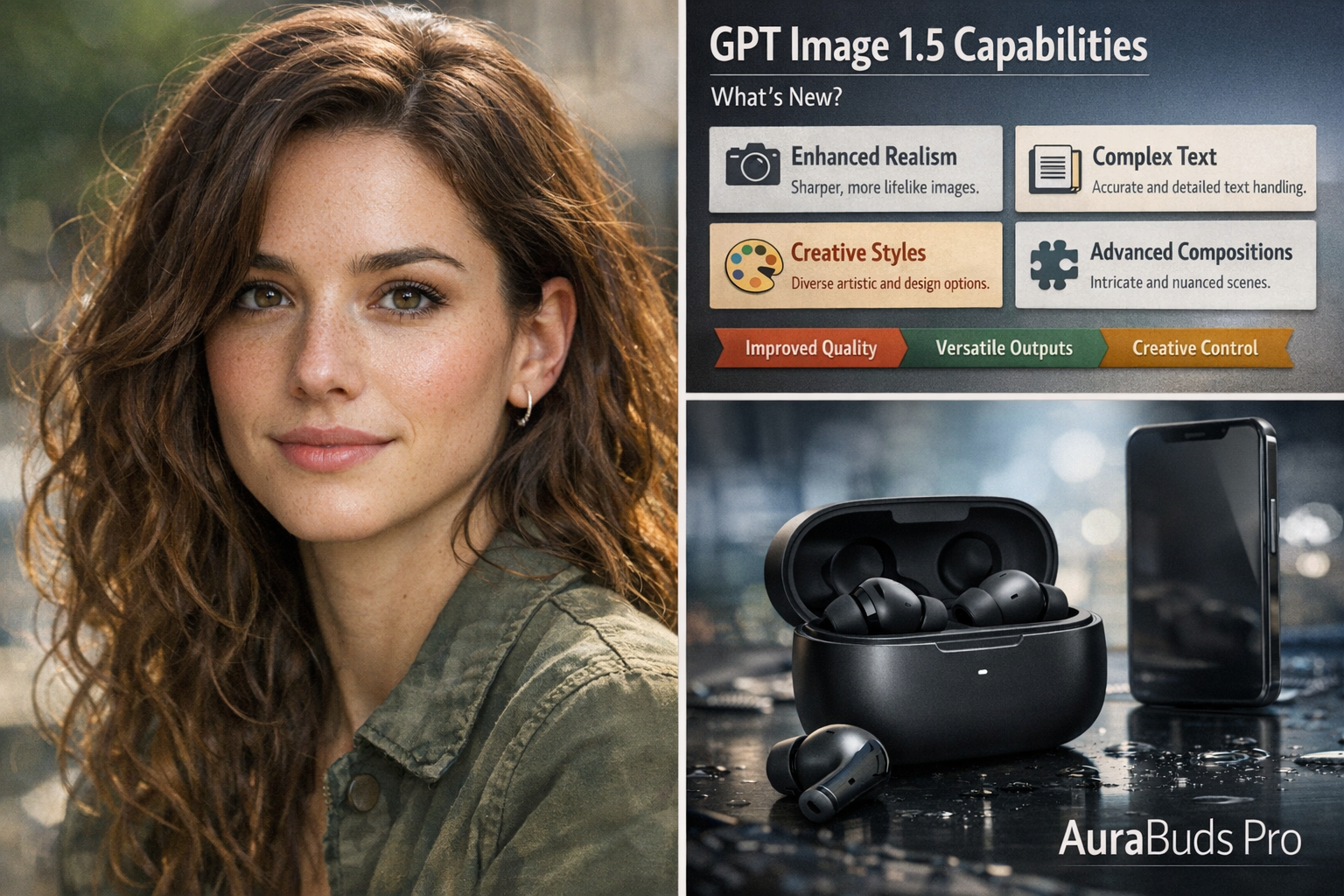
Explore GPT Image 1.5 — OpenAI’s latest image generation model with faster speed, improved editing control, detailed text rendering and production-ready visuals.

Discover Kling O1 — the newly released unified multimodal video model combining image-to-video, reference-based generation, scene editing and shot extension in one powerful engine.

Discover ImagineArt 1.5 - its capabilities, best use cases, prompt tips, and how to get professional-quality AI-generated images with realistic lighting, textures and typographic control.

Get copy-paste-ready Flux 2 prompts for Dev, Flex and Pro. Includes product shots, branding, character art, environments and infographics optimized for GenAIntel users.

Compare Flux 2 Dev, Flex and Pro with Nano Banana Pro. Learn differences in quality, text rendering, multi-reference control and editing to choose the right model on GenAIntel.

Learn what Flux 2 Dev, Flux 2 Flex and Flux 2 Pro are, how they differ, and how to use them on GenAIntel for professional AI image creation and editing.

Learn how to direct AI video models like Sora 2, Veo 3.1 and Kling 2.5 to create cinematic video clips using advanced prompt engineering and filmmaking fundamentals.

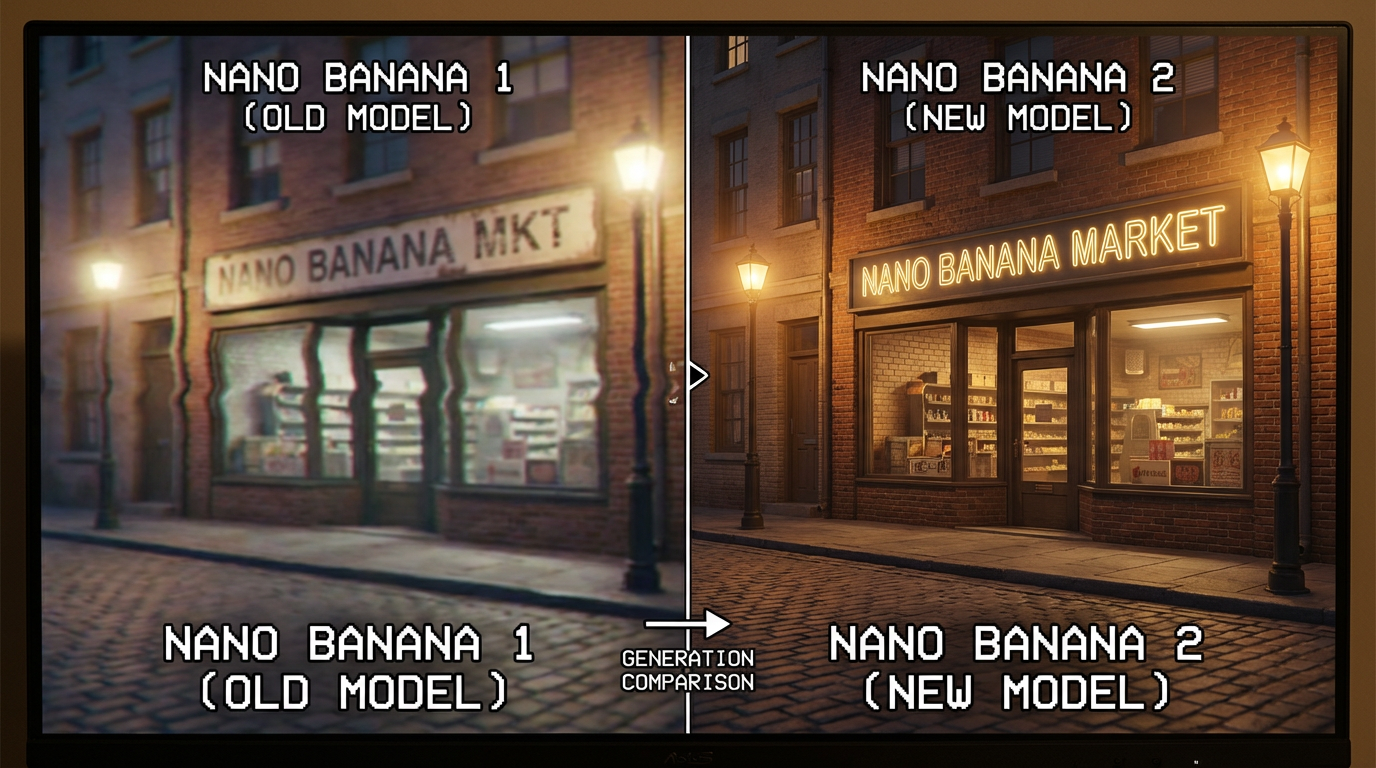
Compare Google's Nano Banana 1 and Nano Banana Pro image models. This guide examines differences in image quality, text rendering, speed, and use cases to help you choose the right AI image generator.

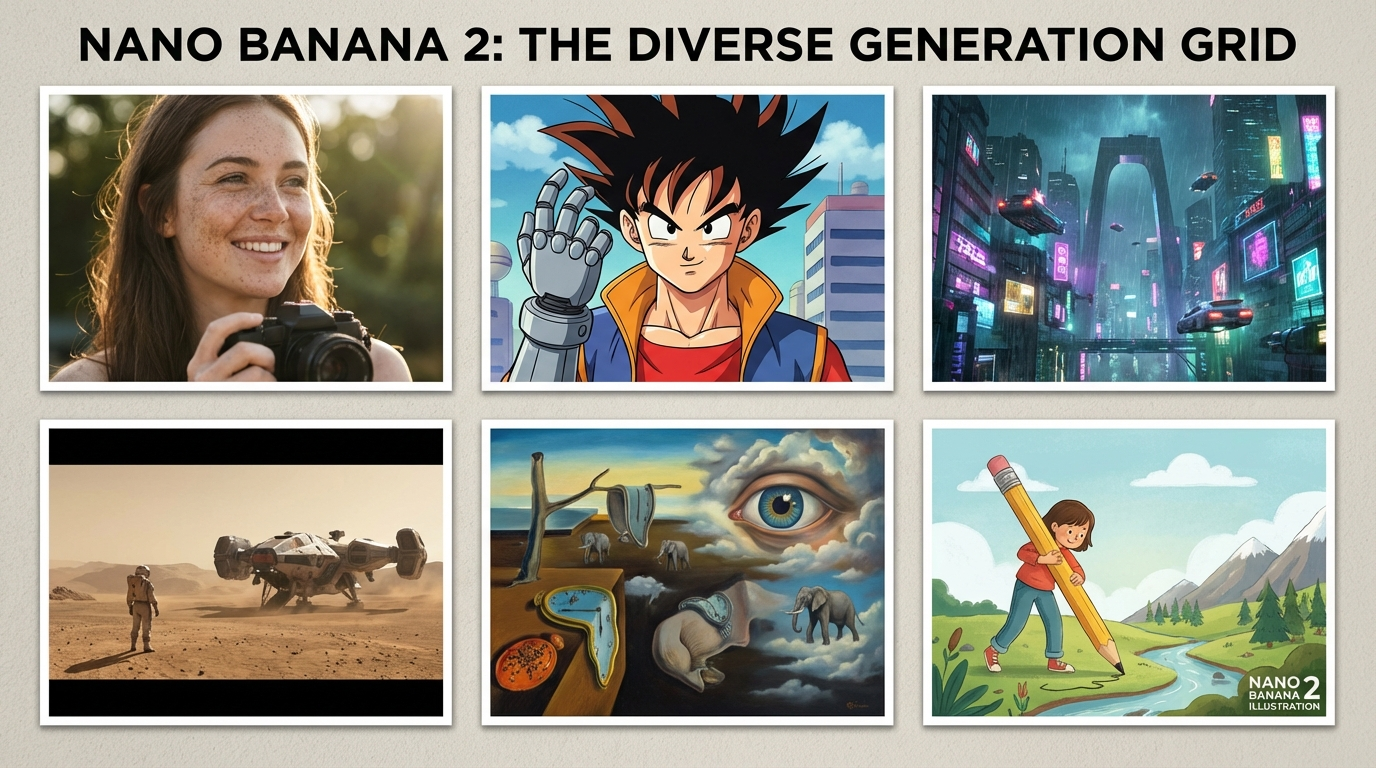
See 6 jaw-dropping images generated by Google's Nano Banana Pro. From photorealistic scenes to anime art, explore viral examples with the prompts that created them.

New to Google's Nano Banana Pro? This beginner-friendly guide covers how to access the model, write effective prompts, and use Nano Banana Pro’s editing features. Get tips on refining AI images and making the most of this powerful tool.

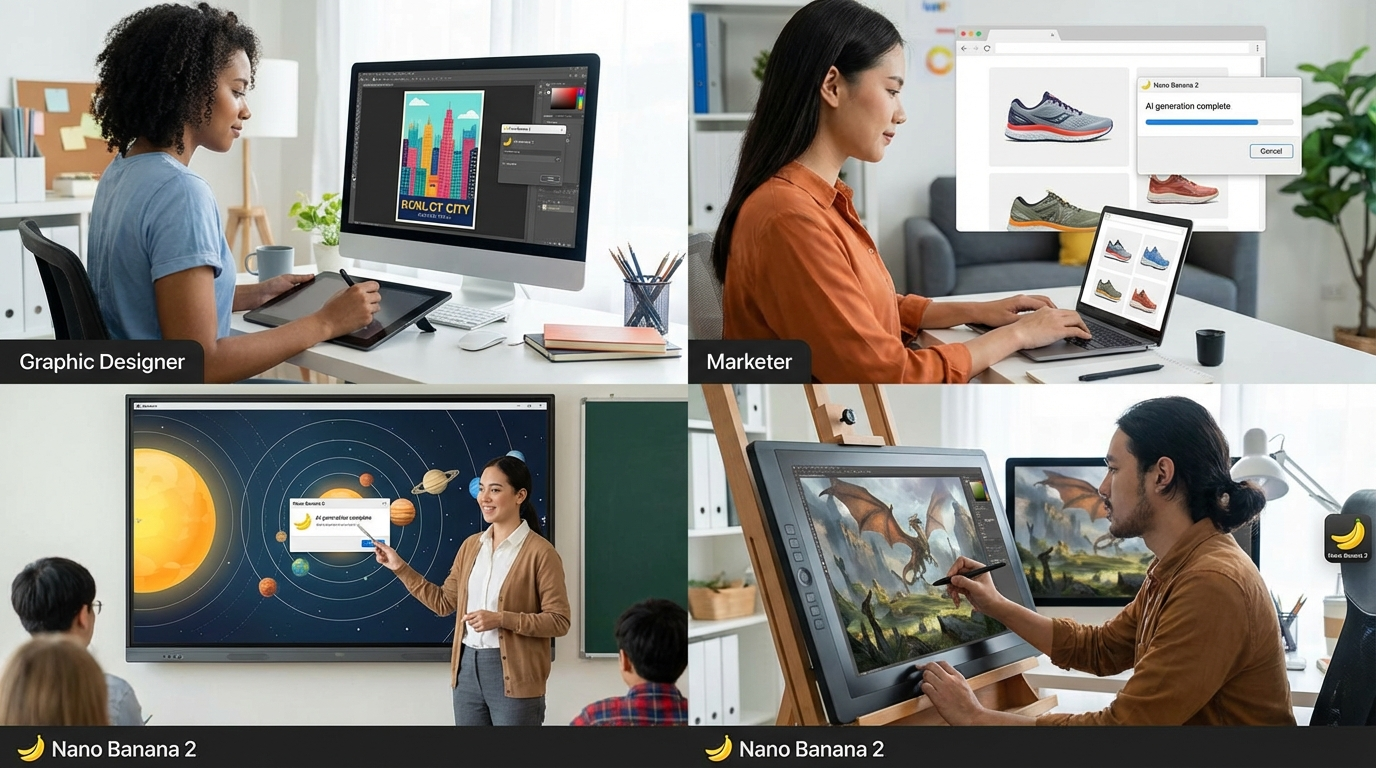
Explore the top use cases and applications of Google's Nano Banana Pro image AI. From design and marketing to education and entertainment, see how creators and professionals can leverage Nano Banana Pro.

Discover Google's Nano Banana Pro image model and its new features. Learn how Nano Banana Pro improves on Nano Banana 1 with higher quality images, smart reasoning, and advanced editing capabilities.

Image-to-video is an emerging, high-interest feature that many users don't know how to use effectively. This addresses a specific workflow need - creators often

GenAIntel's core feature is comparing 100+ models side-by-side. Learn how to choose the right AI video model for your project with actionable evaluation criteria and real comparisons.

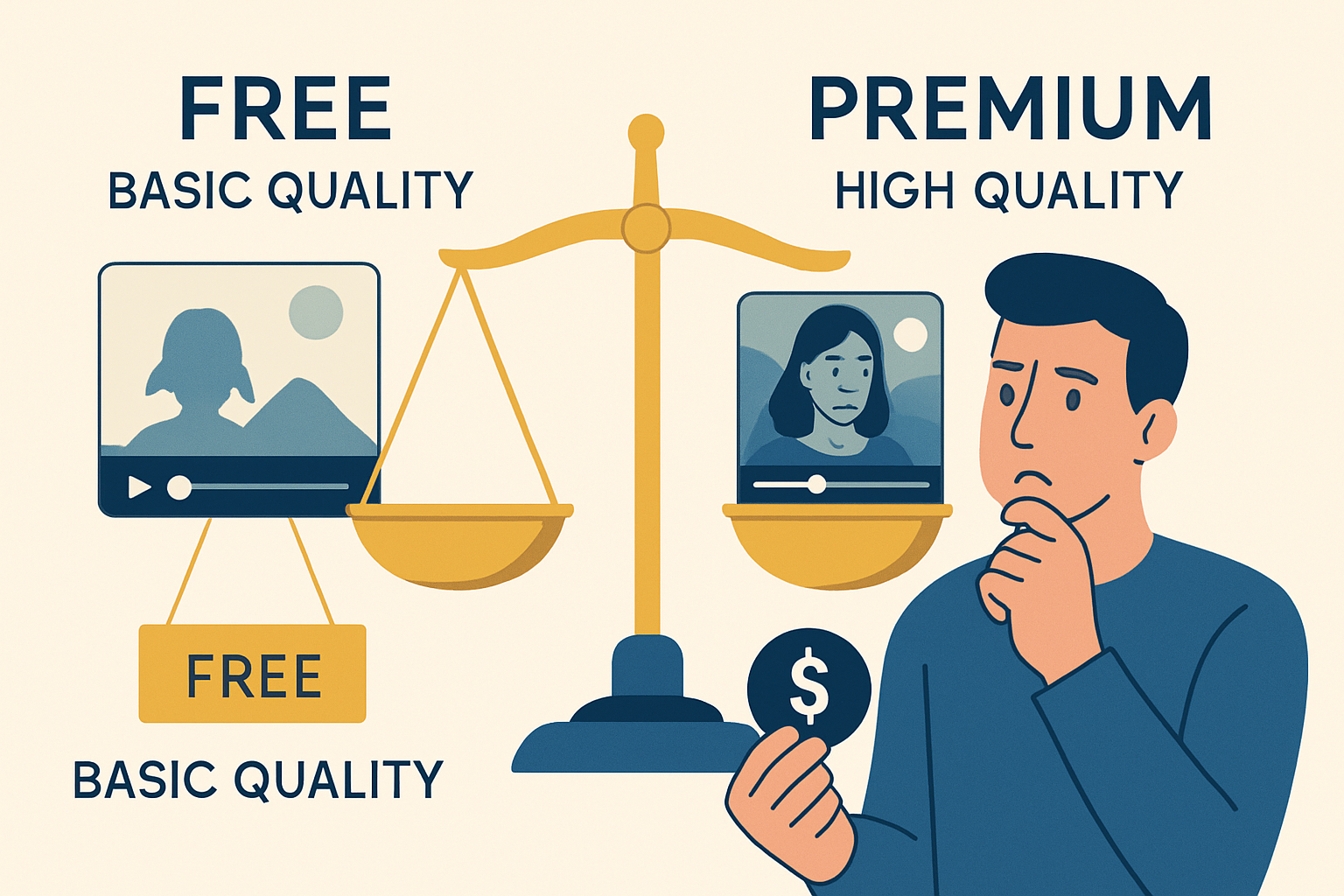
Budget is a major concern for creators and small businesses. Many users want to know if they need to pay or if free models are sufficient. This topic has strong

Prompt engineering is the #1 pain point for AI video users. Most people don't know how to describe what they want effectively. This guide addresses a critical skill for anyone looking to leverage AI video models effectively.

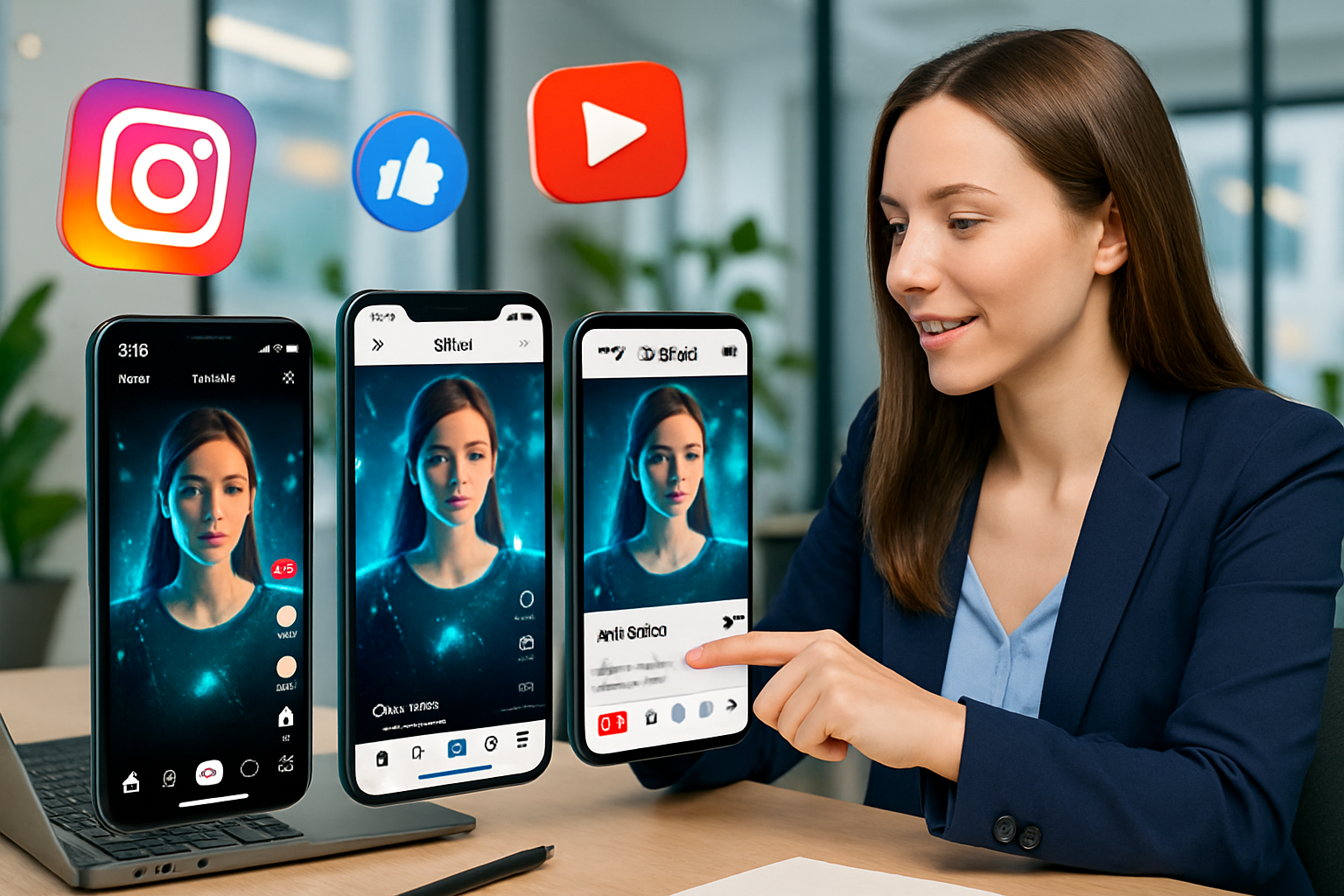
Social media marketing is a massive use case for AI video generation. Marketers need platform-specific guidance (aspect ratios, duration, style) and want to create impressive videos for their social media channels.

Learn how to create cinematic AI videos using AI models. This beginner’s guide covers workflow, model choices, and prompt examples for stunning AI filmmaking.